

In Windows 10, action center is where to find your app notifications, as well as quick actions, which give you quick access to commonly used settings and apps. Change your action center settings at any time from the Settings app.
1. Select the Start button, and then select Settings
2. Go to System>Notifications & actions
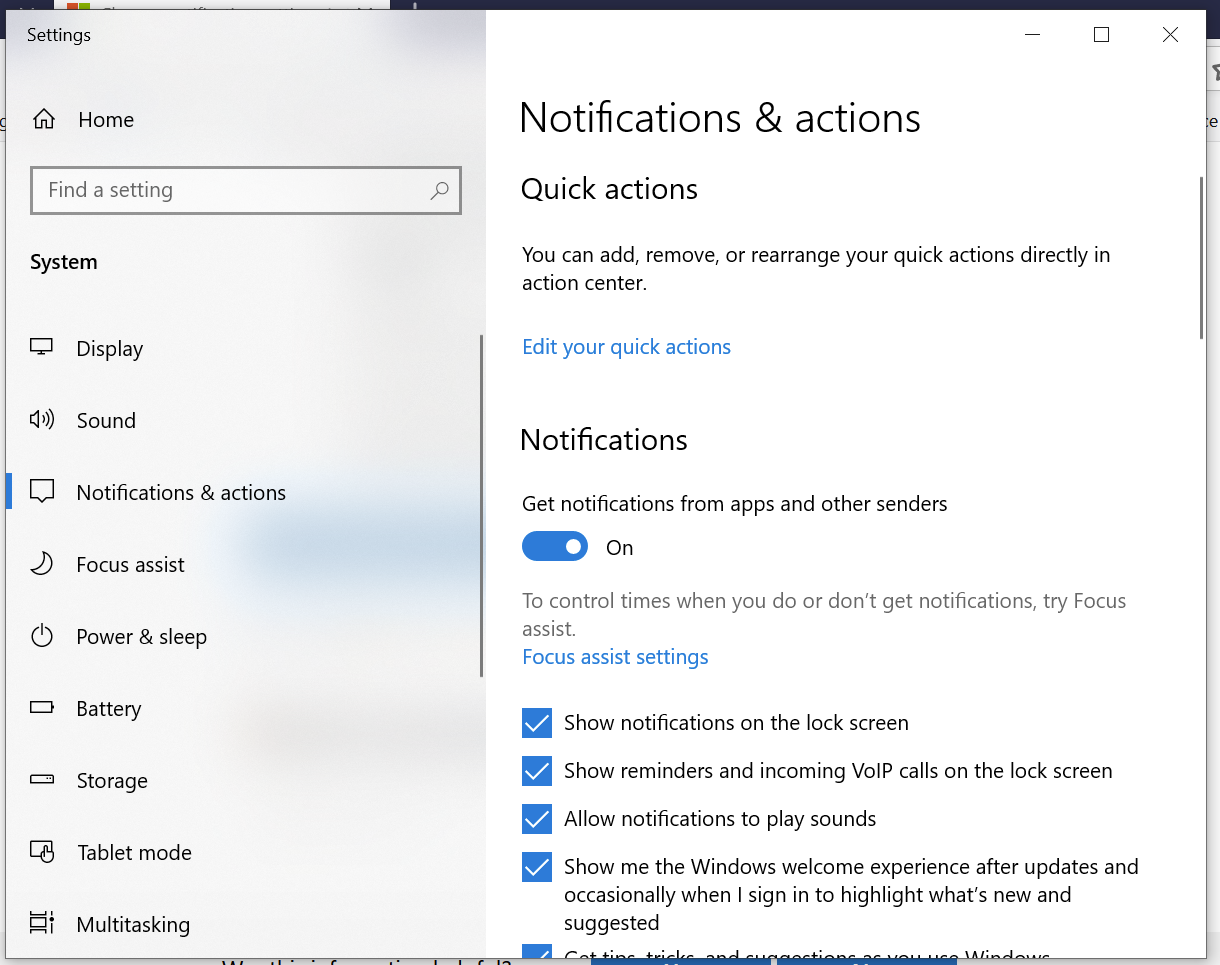
3. Do any of the following:
Choose the quick actions you'll see in action center.
Turn notifications, banners, and sounds on or off for some or all notification senders.
Choose whether to see notifications on the lock screen.
Choose whether to see notifications when you're duplicating your screen.
Turn tips, tricks, and suggestions about Windows on or off.